TIL: The CrUX API is free and requires no authentication for basic queries
The Chrome UX Report API returns 28 days of real-world performance data for any sufficiently-trafficked public domain — no API key, no account, just a POST request.
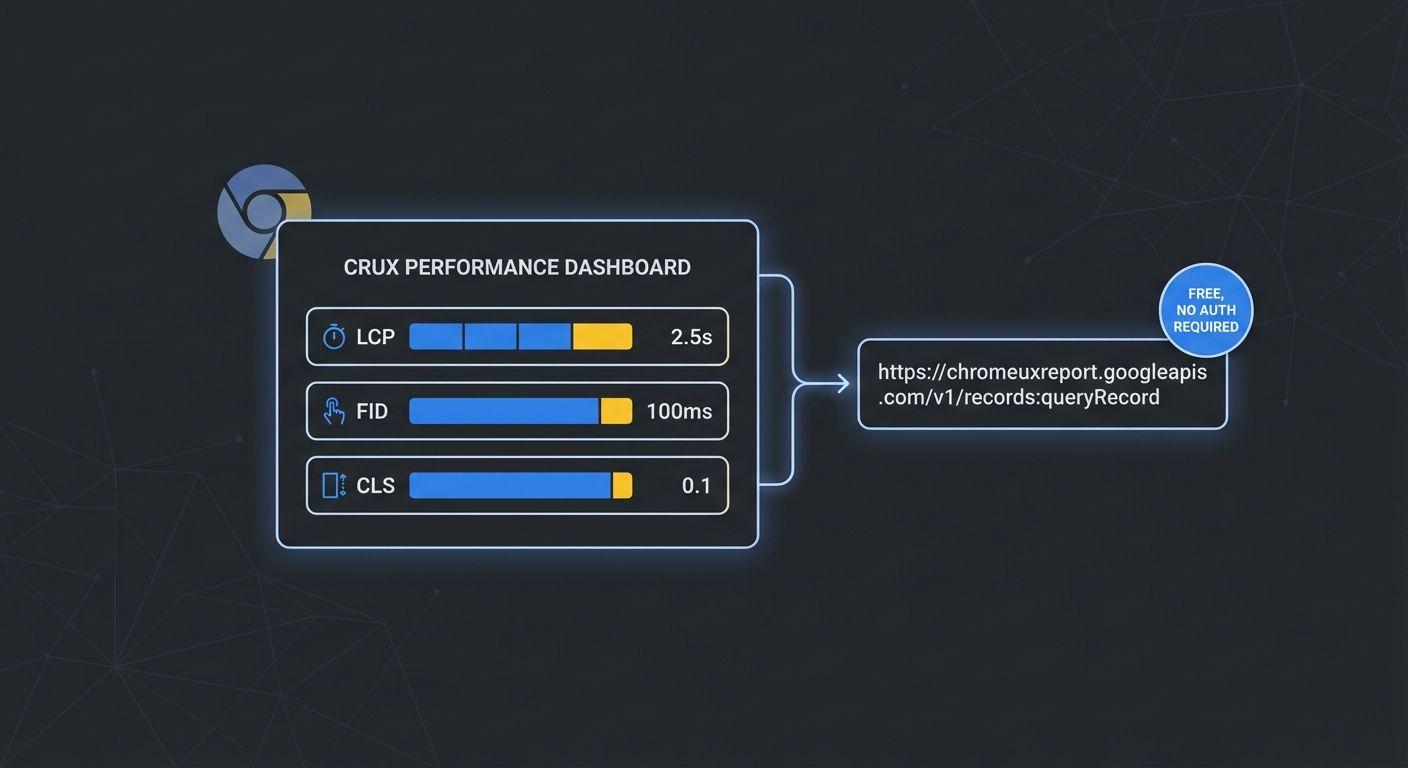
While building the Performance Case Study, I went looking for a way to pull real-world Core Web Vitals data for any public site. I expected to hit a paywall. I didn't.
What the CrUX API actually is
The Chrome UX Report (CrUX) dataset is Google's aggregated, anonymized collection of real user measurements from Chrome browsers. It powers the field data section in PageSpeed Insights. The API that sits in front of it is free, requires no OAuth, and takes a single API key that you can generate in a few clicks in the Google Cloud Console (no billing required for the free tier).
The request shape
Below is a minimal example of querying the CrUX API for Core Web Vitals metrics for a single URL.
The catch: minimum traffic threshold
The API only returns data for origins with enough Chrome traffic to meet Google's privacy threshold. Small personal sites, localhost, and low-traffic domains return a 404. For portfolio work, querying major public sites gives you plenty of interesting data to work with.
Why this matters
Field data beats lab data every time. Lighthouse scores tell you what could happen in ideal conditions. CrUX tells you what is happening across real users on real devices and real network connections. For diagnosing performance regressions, there's no better signal.
const API_KEY = process.env.CRUX_API_KEY;

async function getCruxMetrics(url) {
  const response = await fetch(
    `https://chromeuxreport.googleapis.com/v1/records:queryRecord?key=${API_KEY}`,
    {
      method: "POST",
      headers: {
        "Content-Type": "application/json",
      },
      body: JSON.stringify({
        url,
        metrics: [
          "largest_contentful_paint",
          "cumulative_layout_shift",
          "interaction_to_next_paint",
        ],
      }),
    }
  );

  if (!response.ok) {
    throw new Error(`CrUX request failed: ${response.status}`);
  }

  const data = await response.json();
  return data;
}

getCruxMetrics("https://example.com").then(console.log).catch(console.error);